Installing Syslog Viewer
This section describes how to install Syslog Viewer on your computer.
| ➢ | To install Syslog Viewer: |
| 1. | Download the Syslog Viewer installation file from AudioCodes website at https://www.audiocodes.com/library/firmware. |
Once you have installed Syslog Viewer, whenever you start it, it checks online for a new software update. For more information, see Detecting Missing and Out-Of-Order Logs.
| 2. | Click the downloaded .exe file; the installation wizard starts: |
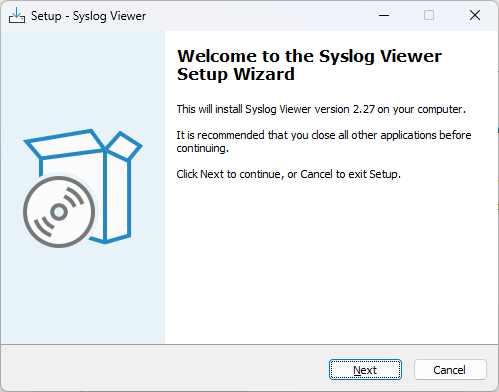
| 3. | Click Next; the following appears: |
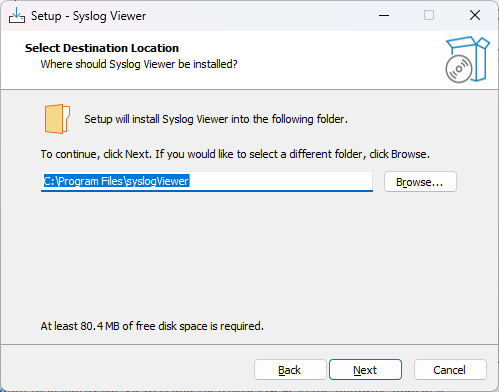
| 4. | Select the location on your computer where you want to install Syslog Viewer, and then click Next; the following appears: |
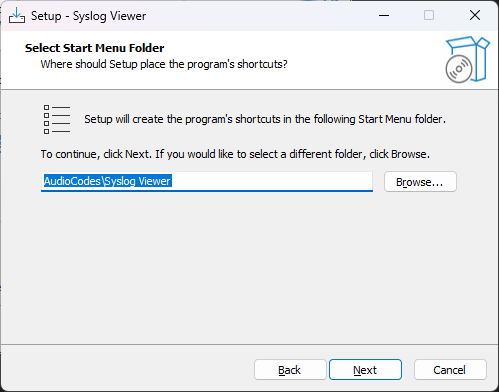
| 5. | Select where you want to add Syslog Viewer's shortcut menu, and then click Next; the following appears: |
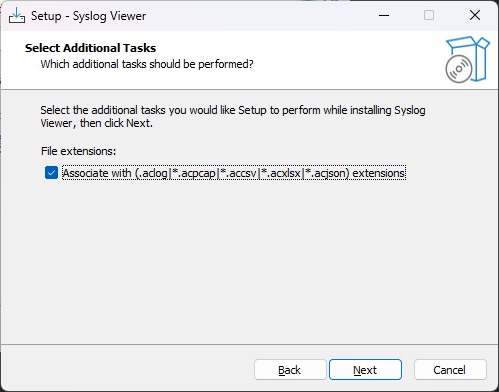
| 6. | Click the check box to associate Syslog Viewer with the listed file extensions, and then click Next; the application begins to install, displaying a progress bar. When installation finishes, the following appears: |
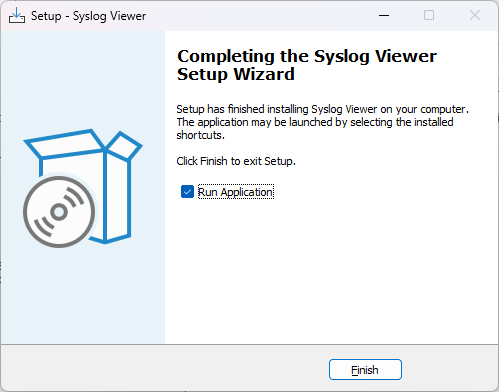
| 7. | Click Finish. |